
Most sellers spend hours on product photos, pricing strategy, and writing descriptions. Then they click through the category dropdown in about 11 seconds, pick something that feels close enough, and move on.
That’s the mistake.
Category selection on TikTok Shop isn’t a formality. It’s a ranking signal, an approval trigger, and an affiliate-matching variable all at once. Get it wrong and your listing either gets rejected before it goes live, sits invisible in the Shop tab, or never gets picked up by the creators who could actually sell it for you.
According to TikTok for Business data cited in the 2023 TikTok Shop Seller Annual Report, products listed in accurately matched subcategories receive up to 30% higher organic discovery rates through the Shop tab compared to miscategorized listings. That’s not a minor edge. For a new seller with no existing audience, 30% is the difference between traction and silence.
What “Product Category” Actually Means on TikTok Shop
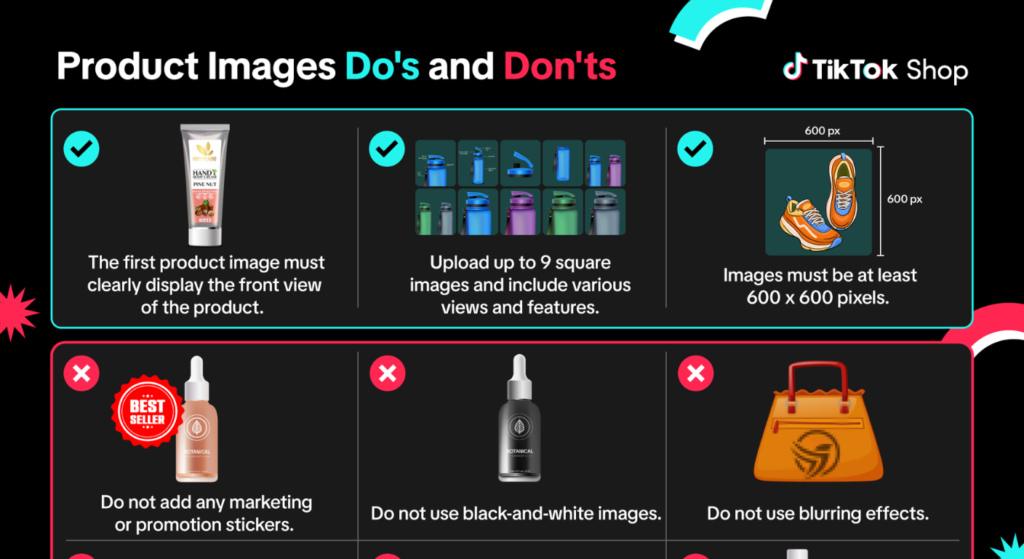
Selecting the right product category on TikTok Shop refers to the process of assigning your listing to the most accurate parent category and subcategory within TikTok Shop Seller Center. The correct match improves organic Shop tab discovery, determines which compliance rules apply to your listing, and signals to TikTok’s algorithm which affiliate creators should be matched with your product.
TikTok Shop uses a two-tier category system. There’s the parent category broad buckets like Beauty & Personal Care, Home & Living, or Fashion and beneath those sit subcategories, which get specific fast. Beauty & Personal Care breaks into Skincare, Haircare, Fragrances, Nail Art, and over a dozen others.
Here’s the thing: most sellers stop at the parent level. They see Beauty and click it. But TikTok’s Seller Center actually requires a subcategory selection before your listing can be submitted for review. Choosing only a parent category will block your submission and the platform forces specificity.
What sellers don’t realize is that the subcategory you choose doesn’t just organize your product. It determines which category-specific compliance requirements apply. Certain subcategories electronics, supplements, cosmetics trigger additional documentation requests. Pick the wrong one and you’ll either face unexpected approval delays or, worse, list in a category that technically doesn’t allow your product type.
Parent Category vs. Subcategory: Which One Actually Drives Discoverability
This is where the real strategic decision happens and where almost every beginner guide goes quiet.
Parent category vs. subcategory on TikTok Shop: Parent categories offer broader reach but higher competition and weaker algorithm signals. Subcategories are better suited for new sellers because they trigger more precise affiliate creator matching and face less listing competition. The key difference is specificity, TikTok’s algorithm uses subcategory data to match products with creators and surface listings in relevant Shop tab feeds.
When you list under a subcategory, TikTok’s algorithm does something that most sellers don’t know about. It uses that subcategory signal to match your product with affiliate creators who operate in that content vertical. A creator who posts haircare tutorials is matched with products under the Haircare subcategory not Beauty broadly. That distinction matters enormously for your affiliate traffic.
Some experts argue that listing under a broader parent category gives you wider exposure. That’s valid if you’re running paid promotions and targeting cold audiences. How TikTok Shop Affiliate Creator Matching Works? But if you’re relying on organic Shop tab placement or affiliate creator discovery which most early-stage sellers are a vague parent-level signal actively works against you.
Or maybe I should say it this way: TikTok’s algorithm rewards precision. Specificity isn’t limiting. It’s targeting.
How to Choose Between Two Competing Subcategories
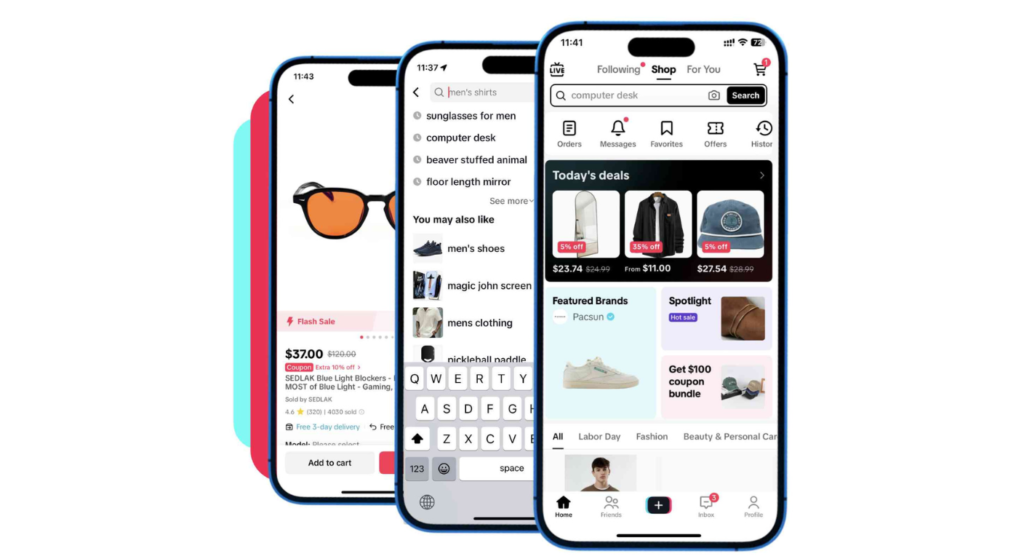
Sometimes a product genuinely fits two subcategories. A vitamin C serum could reasonably sit under Skincare or under Health & Wellness > Dietary Supplements. Here’s how to decide:
To choose the right subcategory when your product fits more than one option, follow these steps:
1. Open Kalodata or Shoplus and search your product type by subcategory.
2. Compare GMV volume and listing count for each matching subcategory.
3. Choose the subcategory with strong GMV but lower listing saturation.
4. Check the compliance requirements for each subcategory in Seller Center before finalizing.
5. Match your choice to the subcategory where top affiliate creators in your niche are already active.
The practical rule: go where the volume is real but the competition hasn’t fully saturated it. A subcategory with massive GMV and 50,000 competing listings is often harder to crack than a mid-volume subcategory with 8,000 listings and a strong creator ecosystem.
Quick note: tools like Kalodata and Shoplus both show category-level GMV trends and top-performing products by subcategory. Neither is free, but even a single month’s access during your setup phase is worth the cost. Kalodata’s interface shows subcategory performance over rolling 30-day periods; Shoplus leans more toward competitor product tracking within categories. Use both if you can they answer different questions.
Quick Comparison: TikTok Shop Category Tiers
| Option | Best For | Key Benefit | Limitation |
| Parent Category Only | Paid ad campaigns targeting broad audiences | Maximum reach | Weak algorithm matching signal; blocks subcategory-dependent approvals |
| Specific Subcategory | New sellers relying on organic or affiliate traffic | Precise creator matching + higher discovery rate | Narrower audience pool; may trigger compliance docs |
| Most Specific Sub-subcategory | Sellers with highly specialized products | Lowest competition, strongest relevance signal | Smallest potential audience; requires very accurate product fit |
| Mismatched Category | — | None | Listing rejection, poor rankings, zero affiliate match |
TikTok Shop Category Approval: What Actually Gets Listings Rejected
Rejection at the category level catches sellers completely off guard. The listing looks fine good photos, clean description, competitive price. Then it comes back denied.
Most of the time, it’s one of three things.
First: the selected subcategory has compliance requirements the seller didn’t know about. Electronics require safety certifications. Supplements require ingredient documentation or FDA registration numbers in some cases. Cosmetics may need proof of compliance with specific labeling standards. TikTok’s Seller Center does list these requirements, but they’re buried inside the category detail pages not visible in the dropdown itself.
Second: the product description and the category don’t match. TikTok’s review system cross-references your listing title, description, and selected category. A product described as an herbal sleep supplement listed under Aromatherapy & Essential Oils will likely get flagged.
Third: the seller chose a restricted category without applying for access. Some TikTok Shop categories particularly certain health, beauty devices, and food subcategories are gated. You need to apply through Seller Center and be approved before listings in those subcategories can go live.
I’ve seen conflicting data on rejection rates by category. Some seller community reports suggest food and supplements have the highest rejection rates among new sellers, while others point to electronics. TikTok Shop Seller Center Help Center, My read is that it varies by region and changes as TikTok updates its compliance standards, so checking the current Seller Center category guidelines directly before listing is non-negotiable.
How TikTok’s Algorithm Uses Category Data After Your Listing Goes Live
Getting approved is step one. What happens next is where most guides stop and where you need to keep reading.
Once your listing is live, TikTok’s Shop tab algorithm uses your subcategory assignment as one of its primary ranking inputs. It determines:
- Which search queries your product is eligible to appear for in the Shop tab
- Which affiliate creators are shown your product in the Affiliate Marketplace inside Seller Center
- How your product is grouped in category-browse sessions when users explore the Shop tab without searching
That last point matters more than people think. A significant percentage of TikTok Shop purchases happen through category browsing not search. Users tap into Beauty and scroll subcategories. Your subcategory placement determines whether your product even exists in that browse session.
Look, if you’re relying on affiliate creators to drive your TikTok Shop revenue, here’s what actually works: list in the most specific accurate subcategory for your product, set a competitive commission rate, and make sure your product images are optimized for how creators typically shoot content in that niche. Category accuracy gets you seen by the right creators. The commission and creative assets close the deal.
How to Select a Category in TikTok Shop Seller Center
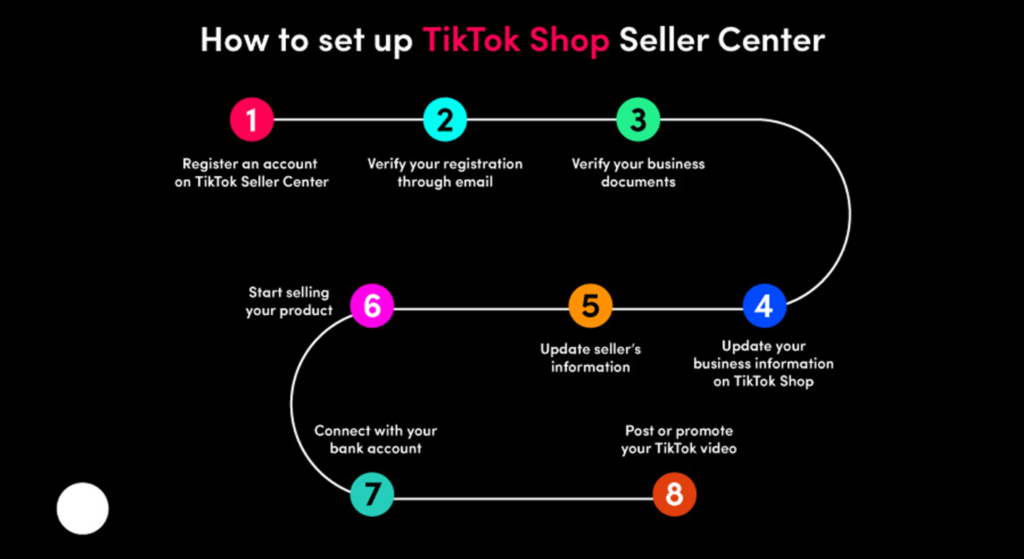
This is the actual process inside the platform no guessing, no vague instructions.
Step 1: Log into TikTok Shop Seller Center at seller-us.tiktok.com and navigate to Products > Add New Product.
Step 2: Before filling in your product title or description, click the Category field at the top of the form. This matters your category selection will affect which custom attribute fields appear below, so select it first.
Step 3: Use the search bar inside the category selector to type your product type. Don’t browse manually from the top level. The search function surfaces the most relevant subcategories faster and often shows options you’d miss scrolling.
Step 4: Review the 2–3 closest subcategory matches. For each one, click the information icon (if visible) to check whether that subcategory has specific compliance requirements before you commit.
Step 5: Select the subcategory that most accurately describes your product’s primary function not its broadest possible description.
Step 6: Complete the rest of your listing with the category-specific attribute fields that now appear. These fields (material, size, age group, etc.) vary by subcategory and feed TikTok’s search algorithm directly. Fill every applicable field.
Filling out every attribute field isn’t optional if you care about search visibility. Listings with complete attribute data consistently outrank identical products with incomplete fields in TikTok Shop’s internal search results.
Selecting the right product category on TikTok Shop determines more than organization it controls your listing’s approval eligibility, organic Shop tab visibility, and which affiliate creators are matched with your product. According to TikTok for Business’s 2023 Seller Annual Report, accurate subcategory matching drives up to 30% higher organic discovery compared to miscategorized listings.
Choosing between subcategories when a product fits multiple options requires comparing GMV volume against listing saturation in each subcategory. According to seller data aggregated through tools like Kalodata and Shoplus, the highest-ROI subcategory choice is rarely the most obvious one; it’s the subcategory where demand is proven but competition hasn’t caught up yet.
TikTok Shop’s algorithm treats category data as a live ranking signal not just a filing label. The subcategory you select influences which search queries trigger your listing, how your product surfaces in browse sessions, and which affiliate creators are shown your product inside the Affiliate Marketplace. Most sellers only optimize the listing itself and never revisit their category choice after going live.
FAQs
Q: What’s the best product category to start with on TikTok Shop?
A: Beauty & Personal Care and Home & Living consistently show the highest GMV volume for new sellers, but the best category is the one that most accurately matches your specific product accuracy and beats popularity for early organic discovery.
Q: How do I choose a subcategory on TikTok Shop if my product fits more than one?
A: Use Kalodata or Shoplus to compare GMV and listing count across your matching subcategories. Choose the subcategory with strong demand but lower seller saturation, and confirm it doesn’t require compliance documents you don’t have ready.
Q: Should I pick a broad or specific category on TikTok Shop?
A: Go specific. A precise subcategory gives TikTok’s algorithm a cleaner signal for Shop tab ranking and affiliate creator matching. Broad parent-category listings underperform in organic discovery for new sellers without paid traffic.
Q: Why does TikTok Shop reject listings even when the product looks fine?
A: The most common reasons are subcategory compliance requirements (missing certifications or documents), a mismatch between product description and selected category, or listing in a gated subcategory without prior approval.
Q: When should I change my product category after a listing goes live?
A: Change your category if your listing has low Shop tab impressions after 2–3 weeks, if you’re not appearing in affiliate creator recommendations, or if TikTok’s review team flags a category mismatch during a routine listing audit.
This guide covers category selection within the U.S. TikTok Shop Seller Center interface as of mid-2025. It does not address TikTok Shop’s advertising category restrictions, cross-border seller category rules, or the category-level policies that apply to livestream selling specifically.