Account takeover (ATO) is the process by which an unauthorized person gains access to someone else’s online account typically by using stolen credentials, phishing attacks, or automated credential stuffing tools and then uses that access to commit fraud, redirect payments, or lock the original owner out entirely. It is not the same as a data breach at a platform level. This is targeted. It happens to real sellers, often quietly, and usually before anyone notices something is wrong.
According to Sift’s 2023 Digital Trust & Safety Index, account takeover attacks increased by 354% year-over-year, with e-commerce and marketplace platforms ranking as the most frequently targeted vertical. That number isn’t abstract. It means if you run a storefront on TikTok Shop, Amazon, or Shopify, you are operating in the highest-risk category.
This guide gives you two things: a concrete prevention system you can set up today, and a step-by-step recovery path that goes beyond what most platform help centers cover.
What Account Takeovers Actually Look Like on Marketplace Platforms
Most sellers imagine account takeovers as dramatic a sudden lockout, an obvious email saying your password was changed. Sometimes it is that obvious. More often, it isn’t.
The early warning signs are subtle. You get a login notification from a city you’ve never been to. Your payout bank details were updated on a Tuesday evening when you were asleep. A listing gets modified. An order gets cancelled that you didn’t touch.
Here’s the thing: by the time most sellers notice something is wrong, the attacker has already been inside the account for 24 to 72 hours.
[IMAGE: Screenshot mockup of a suspicious login alert email from a marketplace platform, with the location and device flagged in red]
What attackers want varies. On e-commerce accounts specifically, the highest-value targets are:
- Payout and banking information redirect your revenue to their account
- Saved customer data sell it or use it for downstream phishing
- Account reputation use your seller rating to push fraudulent products
- Advertising access run ad spend on your card while selling garbage
Understanding what they’re after helps you understand which parts of your account to lock down first. Payout details and linked payment methods are almost always the primary target.
The Prevention System: What You Actually Need to Set Up
This is not a checklist of vague tips. These are specific, ordered actions ranked by impact.
Account takeover prevention refers to the set of authentication controls, monitoring practices, and access restrictions that stop unauthorized users from gaining entry to your online accounts. The goal is to make credential theft useless even when your password is already compromised.
Step 1: Enable Two-Factor Authentication the Right Kind
Most sellers know 2FA exists. Far fewer have actually turned it on. And a meaningful number who have turned it on are using the weakest version: SMS text codes.
SMS-based 2FA is better than nothing. But it is vulnerable to SIM-swapping a real attack where someone convinces your phone carrier to transfer your number to a device they control. For high-value accounts, this is not a theoretical risk.
To enable strong two-factor authentication on your seller account, follow these steps:
- Go to your account’s Security Settings
- Select Two-Factor Authentication or Two-Step Verification
- Choose an authenticator app over SMS when given the option
- Download Google Authenticator or a similar TOTP app on your phone
- Scan the QR code shown in your account settings
- Save your backup codes in a secure offline location
Google Authenticator is free, widely compatible with TikTok Shop, Amazon Seller Central, Shopify, and most major platforms, and generates time-based codes that expire every 30 seconds codes that exist only on your physical device, not in a text message that can be intercepted.
Quick note: backup codes matter more than most people realize. If you lose your phone without saving those codes, you can lock yourself out of your own account. Store them in a printed document, a password manager, or both.
Step 2: Use a Password Manager and Stop Reusing Passwords
Look, if you’re managing three storefronts and reusing the same password across all of them, here’s what actually happens: one breach anywhere on the internet, even a service you haven’t touched in years hands an attacker working credentials for everything you own.
This is called credential stuffing. Automated bots take leaked username/password pairs from old data breaches and test them across thousands of platforms simultaneously. It works because password reuse is extremely common. Sift’s data reflects this, the 354% surge in ATOs correlates directly with the expanding market for leaked credential databases.
One Password is a solid choice for multi-platform sellers specifically because it supports team access with individual permission levels meaning you can share login access to a storefront without sharing the actual password. There’s also a built-in breach monitor that alerts you when a stored credential appears in a known data leak.
The password for each platform should be:
- At least 16 characters
- Randomly generated (not a phrase you remember)
- Unique used nowhere else
Or maybe I should say it this way: the goal isn’t a password you can memorize. The goal is a password so random that you have to use a manager to retrieve it. That’s the point.
Step 3: Audit Your Connected Third-Party Apps
This one gets skipped constantly. Go into your account settings right now and look at which third-party applications have access to your account. Inventory tools, repricing software, analytics dashboards these often have ongoing OAuth permissions that survive password changes.
If an attacker gains access to one of those connected tools (which may have weaker security than your primary marketplace account), they can reach your account through the back door without ever touching your password.
Remove any app you haven’t actively used in the past 90 days. Revoke permissions, then re-authorize if you actually need it.
Step 4: Set Up Login Activity Monitoring
TikTok Shop’s built-in Security Center allows sellers to review active sessions, connected devices, and recent login activity directly from their account dashboard. Use it. Set a recurring reminder once a week, 90 seconds to check for unfamiliar devices or locations.
Most platforms offer this. Most sellers never open it.
Step 5: Secure the Email Account Linked to Everything
This is the most underestimated vulnerability in the entire system.
Your marketplace account is only as secure as the email address attached to it. If an attacker owns your email, they own the password reset. They don’t need your marketplace password at all.
The email account linked to your business storefronts should have:
- Its own unique, strong password (not shared with the storefront)
- Authenticator-app-based 2FA (not SMS)
- A recovery email that is also secured
- No shared access unless through a role-based tool like Google Workspace
I’ve seen conflicting data on this, some sources argue that recovery phone numbers increase account security, others show they create a SIM-swap vulnerability. My read is this: remove the SMS recovery option entirely from your primary business email and rely exclusively on authenticator app codes and printed backup codes.
Quick Comparison: Authentication Method Security Levels
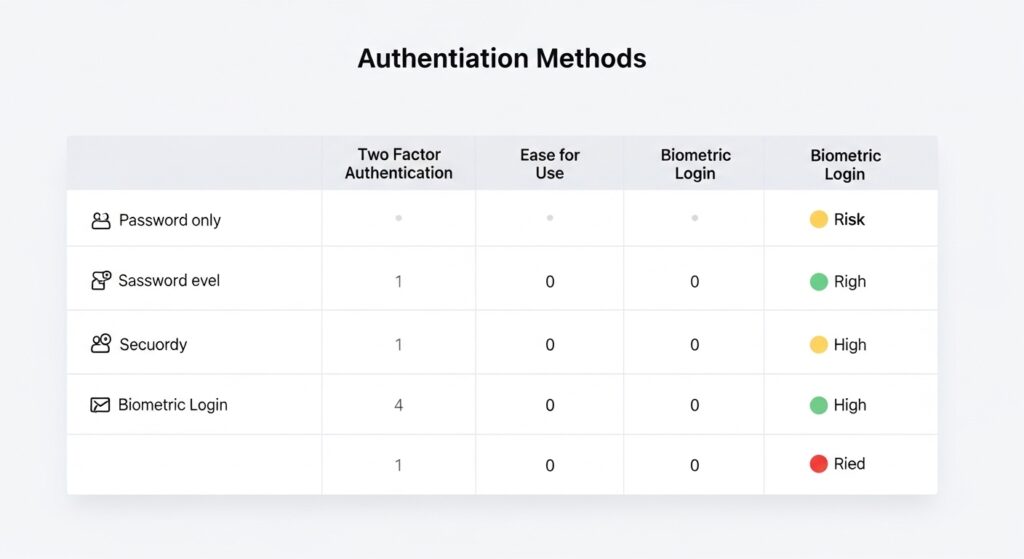
SMS codes vs. Authenticator app codes: SMS is faster to set up but vulnerable to SIM-swapping and carrier-level interception. Authenticator apps generate offline time-based codes that cannot be intercepted remotely. For marketplace accounts holding payment data, authenticator apps are the only appropriate choice.
| Option | Best For | Key Benefit | Limitation |
| SMS / Text Code | Low-risk personal accounts | Easy setup, no extra app | Vulnerable to SIM-swapping |
| Authenticator App (TOTP) | Seller accounts, payment platforms | Offline codes, no interception risk | Requires phone; backup codes essential |
| Hardware Security Key | High-revenue sellers, agencies | Strongest protection available | Cost (~$50); not all platforms support it |
| Email-Based OTP | Legacy platforms only | Universal compatibility | Only as secure as the email account itself |
| No 2FA (password only) | Nothing — avoid entirely | N/A | Fully exposed to credential stuffing |
Label: Quick Comparison Authentication Methods for E-Commerce Sellers
How to Recover from an Account Takeover Step by Step
This is what most platform guides skip. The TikTok Shop security article, for example, stops at prevention tips. There is no guidance on what to do after you’ve lost access especially if your email is gone too.
Here’s the real sequence.
Recovering from an account takeover requires acting on three fronts simultaneously: regaining platform access, securing the email account attached to it, and auditing any linked financial accounts for unauthorized changes. According to Sift’s 2023 Digital Trust & Safety Index, delayed response is the primary factor that increases financial damage after an ATO, the longer an attacker has access, the more lateral damage they cause.
If You Can Still Log In
If you received a suspicious login alert but your credentials still work, you’re in a window. Move fast.
- Change your password immediately new, unique, generated by a password manager
- Enable authenticator-app 2FA if it wasn’t already on
- End all active sessions most platforms have a “log out all devices” option in security settings
- Check payout and banking details look for any changes to bank account numbers, routing numbers, or payout email addresses
- Review recent orders and listings look for anything created, modified, or cancelled in the past 72 hours that you didn’t authorize
- Check connected apps revoke anything you don’t recognize
Document everything. Screenshot timestamps. You’ll need this if you file a dispute with the platform or your bank.
If You’ve Been Locked Out of the Platform Account
The attacker has changed your password. You can’t log in.
- Use the platform’s official account recovery flow to find it at the official domain only (not from a Google search result that may be phishing). For TikTok Shop, this is through the official TikTok Shop Seller Center at seller-us.tiktok.com.
- Check whether you can receive a recovery code to your original email if yes, act on it immediately. If the email is also compromised, jump to the next section.
- Contact platform support directly has your business registration documents, government ID, and any order history or account creation details ready. Support teams can verify account ownership through business identity.
- File a report with the platform’s trust and safety team this creates a formal record and can trigger an account freeze that stops the attacker from continuing to operate.
This process can take 24 to 72 hours. That’s real time an attacker is inside your account. Which is exactly why setting up 2FA before any of this happens matters.
If Your Email Is Also Compromised
This is the worst-case scenario and the one almost no guide addresses directly.
If the attacker has changed the email attached to your marketplace account, and also controls your original email address, you’re dealing with a two-front compromise.
For the email account:
- Go directly to Google, Microsoft, or whichever provider hosts it
- Use their account recovery flow this typically asks for a previous password, a backup email, answers to security questions, or verification through a linked phone
- If SMS is your only recovery option and your SIM has been swapped, you’ll need to contact your phone carrier in person with government ID to recover your number first
For the marketplace account:
- Contact platform support and explain clearly that the linked email has also been compromised
- Provide maximum proof of ownership: business tax ID, original signup email address, payment method last four digits, seller ID number
- Request an emergency account freeze while identity verification is processed
Once platform access is restored, the recovery doesn’t end there. According to cybersecurity firm IBM’s 2023 Cost of a Data Breach Report, the average time to identify and contain a breach is 277 days for organizations without automated detection for individual sellers, secondary fraud from a single ATO can persist for weeks if linked accounts aren’t audited. Check every connected platform: your ad accounts, your Stripe or PayPal, your shipping software.
Post-Recovery: The Audit Most Sellers Skip
Getting your account back is step one. What happens next determines whether you stay secure.
- Review all payout transactions from the period of compromise contact your bank about any unauthorized transfers
- Notify your customers if order data or personal information may have been exposed this is both ethical and, depending on your location, legally required under data protection laws
- Remove and re-authorize all third-party app connections assume every connected tool is compromised
- Change passwords on every platform that shared credentials with the compromised account
- Run a breach check using a service like Have I Been Pwned (haveibeenpwned.com) on all email addresses associated with your business
This is not optional cleanup. Secondary fraud attackers using your data to compromise other accounts or sell to other bad actors is common after an initial breach.
The most frequently missed post-recovery step is auditing linked advertising accounts. When attackers gain access to a seller account, they often use connected ad platforms to run unauthorized campaigns charged to the seller’s payment method. Sellers should immediately review their TikTok Ads Manager, Amazon Sponsored Products dashboard, or any other ad platform linked to the compromised storefront and check for campaigns or billing activity they didn’t authorize.
What Most Guides Get Wrong About Account Takeover Prevention
Most experts argue that a strong password is the primary defense against account takeover. Sift 2023 Digital Trust & Safety Index. That’s valid for brute-force attacks, which have become relatively rare. But if you’re dealing with credential stuffing which now accounts for the majority of ATOs according to multiple threat intelligence sources password strength is almost irrelevant. The credential was already leaked from a third-party breach. The attacker isn’t guessing. They already have it.
Some experts push back on this and argue that passkeys (a newer authentication standard replacing passwords entirely) will make all of this moot within two to three years. That’s probably right as a long-term trajectory. Right now, in 2025, passkey support across e-commerce platforms is inconsistent, and sellers cannot rely on it as a primary defense yet. Use authenticator-app 2FA in the interim.
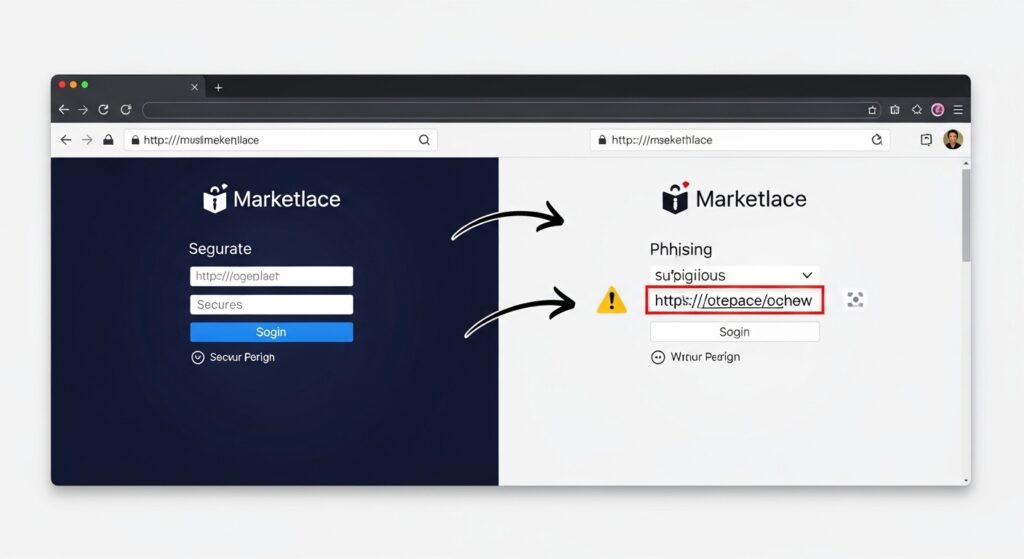
What most guides skip is the human element: phishing. A significant percentage of ATOs begin not with a leaked credential but with a seller clicking a convincing fake email from “TikTok Shop Support” or “Amazon Seller Notifications” asking them to verify their account. The link looks real. The page looks real. And the moment you enter your credentials, they’re gone.
Train yourself to verify URLs before clicking. If you receive a security email, navigate to the platform directly don’t click the link in the email.
FAQs
Q: What’s the best two-factor authentication method for seller accounts?
A: Authenticator apps like Google Authenticator are the strongest widely-supported option. They generate offline, time-limited codes that can’t be intercepted through SIM-swapping, unlike SMS text codes.
Q: How do I recover my account if the hacker changed my email too?
A: Contact the platform’s support team directly with proof of ownership your seller ID, tax information, and original payment details. Simultaneously, recover your email account through your provider’s official recovery process using a backup email or previous password.
Q: Should I use the same password on all my seller accounts?
A: No. Reusing passwords across platforms is the primary reason credential stuffing attacks succeed. Use a password manager to generate and store a unique password for every account.
Q: Why does account takeover happen even with a strong password?
A: Strong passwords don’t protect against credential stuffing, where attackers use emails and passwords stolen from unrelated data breaches. If your credentials were exposed in any previous leak, they may already be in circulation regardless of complexity.
Q: When should I contact my bank after an account takeover?
A: Immediately as soon as you confirm unauthorized access. Banks have limited windows for disputing fraudulent transactions. Don’t wait until you’ve recovered platform access. File the bank dispute in parallel with your account recovery effort.