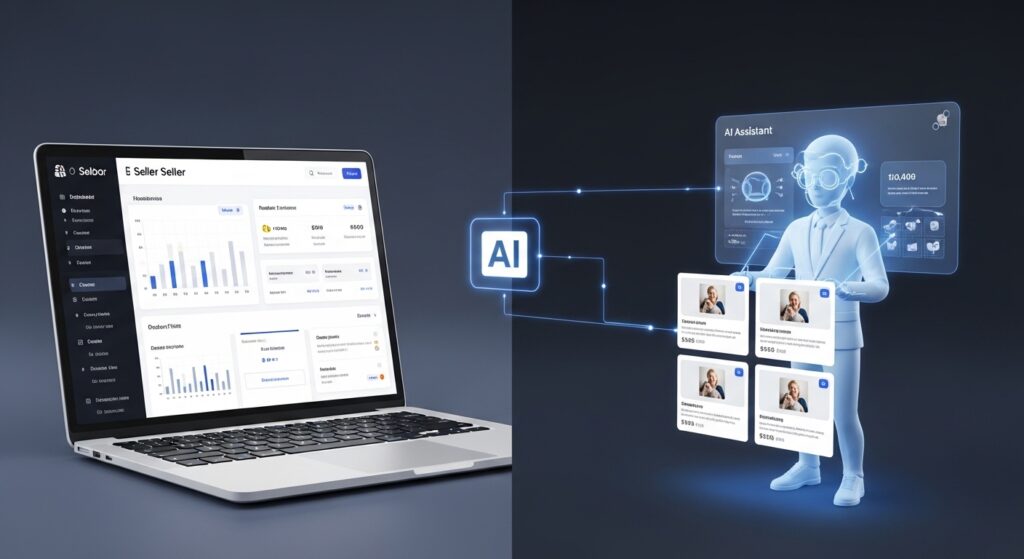
Most TikTok Shop sellers already know the grind. You’re writing product titles at midnight, posting three videos a week hoping one converts, and checking your dashboard every few hours waiting for something to click. The platform is growing fast but your process isn’t keeping up with it.
Here’s what’s changed: AI isn’t just a buzzword TikTok drops in press releases anymore. It’s embedded directly into the tools you’re already supposed to be using. The sellers scaling in 2025 aren’t working harder. They’ve found the shortcuts built into the platform and most guides haven’t bothered to explain where those shortcuts actually live.
What “AI-Powered” Actually Means for TikTok Shop Sellers
Reinventing the seller experience: how AI supports TikTok Shop sellers refers to the integration of machine learning and generative AI directly into TikTok’s commerce infrastructure including automated listing creation, smart pricing signals, algorithmic content matching, and fulfillment optimization to reduce the manual workload on sellers while increasing product discoverability and conversion rates.
That’s the clean definition. Here’s what it looks like in practice.
TikTok’s algorithm already determines which products get seen. What most sellers don’t realize is that the data feeding that algorithm, your listing copy, your pricing structure, your video engagement patterns is now processed by AI systems that can either work with you or against you, depending on how you set things up.
According to eMarketer’s 2024 U.S. Social Commerce Report, TikTok Shop surpassed $20 billion in global GMV in 2023, with AI-driven product recommendations accounting for a significant share of discovery-to-purchase conversions. That number isn’t just a platform achievement, it’s evidence that the recommendation engine is mature enough to carry real commercial weight.
The practical question isn’t whether AI matters on TikTok Shop. It’s which specific features actually move the needle.
The Native AI Tools Inside TikTok Shop Seller Center (And How to Use Them)
This is where most competitor content stops at the surface. Let’s go deeper.
AI Listing Assistant Step-by-Step
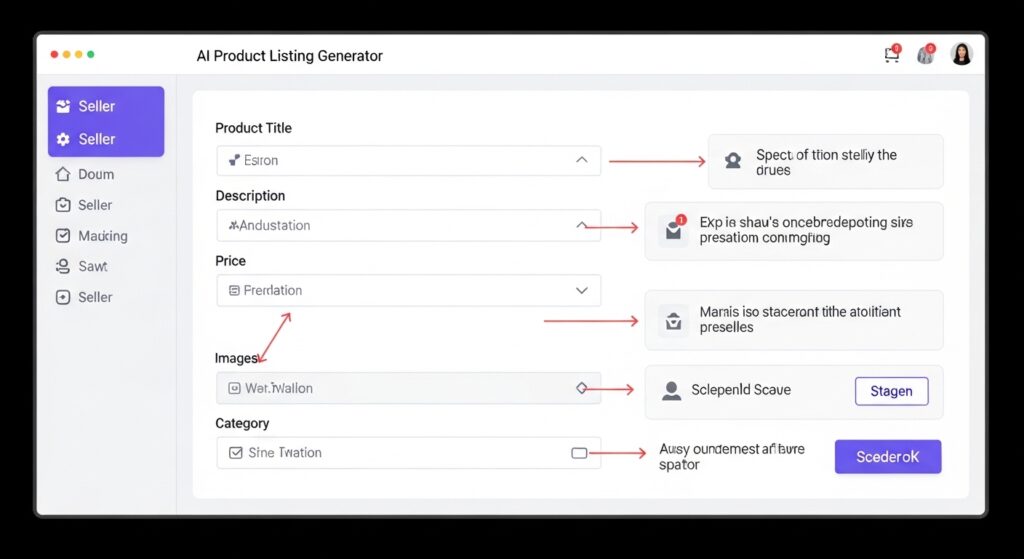
The AI Listing Assistant inside TikTok Shop Seller Center generates product titles, bullet points, and descriptions based on your product category, images, and manually entered attributes. It’s not perfect out of the box but with the right inputs, it consistently outperforms manually written copy for discoverability.
To activate and use the AI Listing Assistant:
- Log into Seller Center at seller-us.tiktok.com and navigate to Products → Add Product
- Upload at least two clear product images before triggering AI generation image quality directly affects output quality
- Select your product category carefully; the AI pulls from category-specific keyword databases, so a wrong category gives you wrong copy
- Click AI Generate in the product description field review the output against TikTok’s prohibited content policy before saving
- Edit the AI output to add brand-specific language, sizing details, or use-case context the tool doesn’t know without your input
Quick note: listings generated fully by AI without human review have been flagged in TikTok Shop seller communities (Reddit’s r/TikTokShop, Facebook Group TikTok Shop Sellers USA) for triggering policy holds particularly when the AI inserts superlative claims (best guaranteed) that violate platform guidelines. Always read before publishing.
Smart Performance Campaigns What They Actually Do
Smart Performance is TikTok Shop’s automated ad optimization layer. You set a budget and target ROAS, the system allocates spend across content, audience segments, and product placements without manual bidding.
Most sellers either ignore it or run it with default settings and conclude it doesn’t work. The issue is almost always the input data. Smart Performance requires a minimum of 50 Shop conversions in the prior 30-day window before its optimization models have enough signal to perform reliably. Below that threshold, you’re essentially paying for the system to learn, not to convert.
Look, if you’re under 50 monthly conversions right now, here’s what actually works: run manual Shop Ads for 3–4 weeks first, hit that conversion floor, then switch Smart Performance on with a conservative daily budget and let it compound.
Symphony AI TikTok’s Creative Engine for Shop Sellers
Here’s the thing: most sellers haven’t connected their content problem to their sales problem. They’re separate symptoms of the same root issue, not enough high-converting video output.
Symphony AI is TikTok’s native creative suite, and in 2025 it’s directly integrated with Shop seller workflows. It includes:
- AI Script Generator produces short-form video scripts based on your product details and selected tone (educational, entertaining, problem-solution)
- AI Avatar generates a digital presenter for product videos without requiring you to appear on camera
- Dubbing and translation converts existing product videos into other languages for international Shop markets
The Symphony AI suite is accessible through TikTok’s Creative Center, not Seller Center which is probably why sellers miss it. You’ll find it at ads.tiktok.com/creative under the Symphony tab.
Or maybe I should say it this way: Symphony and Seller Center are two separate dashboards serving the same commercial goal, and TikTok hasn’t done a great job of connecting them in their onboarding. You have to find the bridge yourself.
One counter-intuitive insight worth flagging: sellers who use AI-generated avatars for product demos have reported mixed results depending on product category. For commodity goods (phone cases, kitchen tools, basic apparel), AI avatars perform comparably to human-presented videos in early A/B tests shared in TikTok’s own seller education webinars. For products where trust signals matter supplements, skincare, anything with a health claim human-presented video consistently outperforms. The algorithm may be indifferent, but the buyer isn’t.
👉 TikTok Symphony AI Creative Suite (Official)
Third-Party AI Tools That Fill the Gaps Seller Center Doesn’t Cover
TikTok’s native tools handle listing copy and content creation. They don’t handle everything.
Gling.ai is an AI-powered video editor built for creators that automatically removes silences, filler words, and dead air from long-form recordings then produces short clips optimized for vertical formats. Sellers who record product walkthroughs or unboxing content use it to generate 5–8 TikTok-ready clips from a single 10-minute recording session.
Lately.ai analyzes your existing long-form content blog posts, podcast transcripts, previous videos and generates social captions and short video scripts trained on what has historically engaged your specific audience. For sellers with an existing content library, it compounds value from work already done.
I’ve seen conflicting data on which third-party tool delivers the strongest ROI for TikTok Shop, specifically some seller community reports favouring Gling for pure time savings, others cite Lately for copy quality. My read is this: if your bottleneck is editing time, Gling wins; if your bottleneck is knowing what to say, Lately wins. They solve different problems.
Some experts argue that third-party AI tools create brand inconsistency because they’re not trained on platform-specific commerce behavior. That’s valid for large brands with established voice guidelines. But if you’re a solo seller running a 2–3 product Shop, the productivity gain outweighs the consistency risk especially when you’re reviewing and editing output before it goes live.
Quick Comparison
| Tool | Best For | Key Benefit | Limitation |
| TikTok AI Listing Assistant | Product copy generation | Native platform integration | Needs human review for policy compliance |
| Symphony AI | Video scripts and avatars | No filming required | Avatar realism varies; less effective for trust-sensitive products |
| Smart Performance Campaigns | Ad spend optimization | Automated ROAS targeting | Requires 50+ prior conversions to function effectively |
| Gling.ai | Video editing | Cuts editing time by 60–70% | Doesn’t generate original content — needs source footage |
| Lately.ai | Script and caption generation | Learns your content voice | Best with existing content library; weaker for new sellers |
Where AI Falls Short And What Sellers Get Wrong About It
What most guides skip is the failure mode.
AI tools on TikTok Shop are optimization layers, not strategy replacements. The sellers who complain that AI didn’t help almost always made one of three mistakes:
They used AI on weak product fundamentals. If your product has three reviews, inconsistent shipping times, and unclear sizing, AI-optimized copy will get more people to a listing that still doesn’t convert. The copy problem wasn’t the problem.
They accepted AI output without editing. Platform-generated listing copy tends toward generic category language. It gets you 70% of the way there. The remaining 30% your specific differentiator, your brand tone, the specific use case your buyer actually cares about requires a human decision.
They ran AI tools in isolation. Smart Performance without strong organic content gives the algorithm bad signal data. The Symphony AI suite without clean product listings sends interested viewers to unconvincing pages. These tools amplify what’s already working. They don’t fix what isn’t.
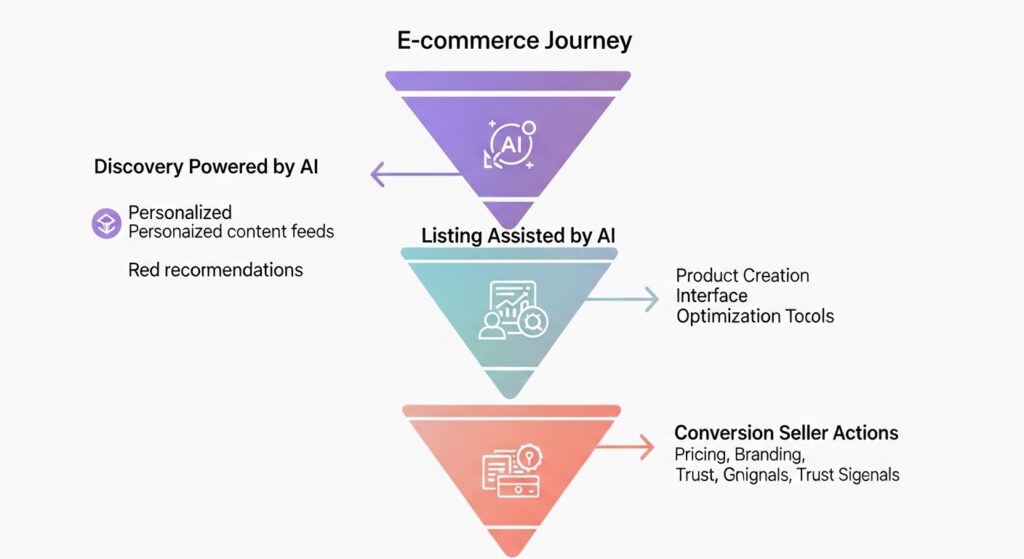
This is the gap worth acknowledging honestly: AI on TikTok Shop is significantly better at surfacing products than at selling them. The discovery layer is genuinely impressive. The conversion layer still requires seller judgment.
FAQs
Q: What’s the best AI tool for TikTok Shop sellers just starting out?
A: Start with the native AI Listing Assistant inside Seller Center — it’s free, integrated, and handles the most time-consuming task (product copy) without requiring a third-party subscription. Get comfortable there before adding outside tools.
Q: How do I activate the AI listing generator in TikTok Shop Seller Center?
A: Go to Products → Add Product in your Seller Center dashboard, upload your product images, select the correct category, then click “AI Generate” in the description field. Review the output carefully before saving.
Q: Should I use AI-generated avatars for my TikTok Shop product videos?
A: For commodity products, yes — they perform comparably to human-presented videos and save significant production time. For products where buyer trust matters (health, skincare, supplements), stick with real human presentation.
Q: Why does Smart Performance keep underperforming for my TikTok Shop?
A: Smart Performance needs at least 50 Shop conversions in the prior 30 days to optimize effectively. Below that threshold, run manual Shop Ads first to build conversion data, then switch to Smart Performance.
Q: When should I add third-party AI tools like Gling.ai or Lately.ai to my TikTok Shop workflow?
A: Once you’ve maxed out what native Seller Center tools offer and your bottleneck is content output speed or copy quality. Third-party tools complement the platform they don’t replace it.