You’ve got sales. Real orders, real customers, real deliveries. But your product page sits at zero stars, or worse one angry review out of three total, dragging your rating to 2.1.
This isn’t a glitch. It’s the system working exactly as TikTok designed it. The problem is that TikTok’s own documentation barely explains it.
This guide covers how TikTok Shop’s product ratings and reviews system works end-to-end the eligibility rules, the moderation logic, the delay windows, and the legal strategies that actually move your review count. It does NOT address TikTok Shop’s affiliate or creator review programs, which operate under a separate policy framework.
This works best for sellers with active TikTok Shop listings and at least one completed order. It won’t help if your shop hasn’t made a verified sale yet reviews require a confirmed purchase to trigger.
What Product Ratings and Reviews Actually Are on TikTok Shop
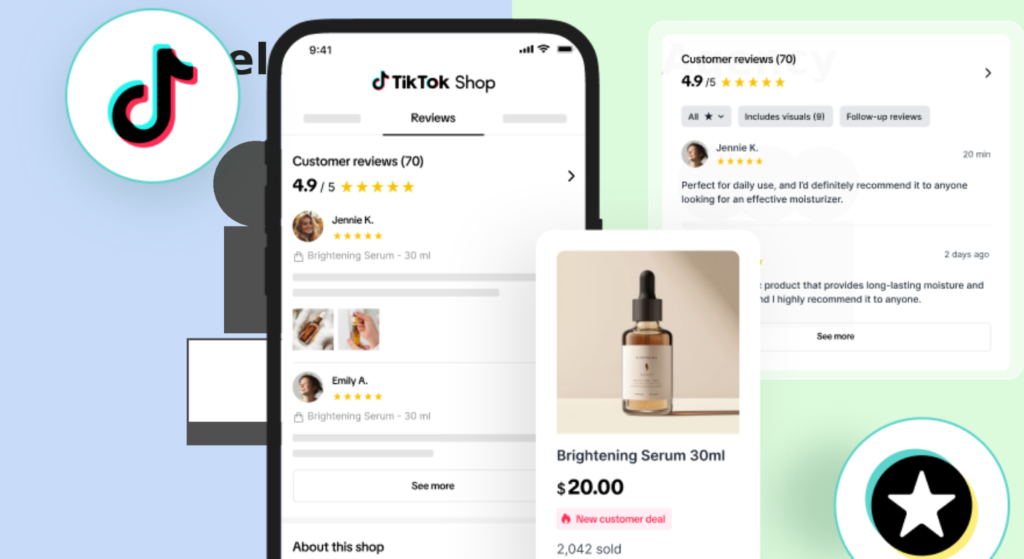
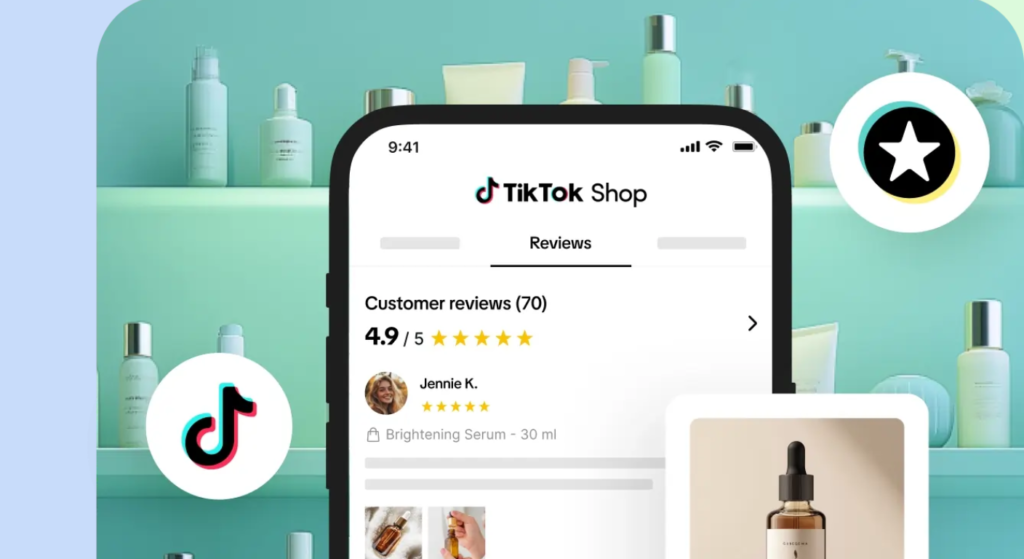
Product ratings and reviews on TikTok Shop refer to the star-based scoring system (1–5 stars) and written feedback that buyers submit after completing a verified purchase. Ratings aggregate into an overall product score displayed on the listing page, while written reviews appear as individual entries beneath the product description.
That’s the textbook definition. Here’s what it means in practice.
TikTok Shop ties its review system directly to order completion status not delivery confirmation. A buyer can receive their package on Tuesday, but if they haven’t formally marked the order as complete in the TikTok app, the review window hasn’t opened yet. TikTok auto-completes orders after a set window (typically 7–15 days post-delivery depending on product category), which means some reviews are structurally delayed by up to two weeks after the item lands at the buyer’s door.
According to PowerReviews’ 2023 Consumer Survey, 99.9% of consumers read reviews when shopping online at least some of the time, and products with reviews convert at 3.5x the rate of products with zero reviews. That gap is the revenue problem hiding behind your empty review section.
How the TikTok Shop Rating System Calculates Your Score
The Verified Purchase Requirement
Not every review that gets submitted will appear on your listing. TikTok Shop only displays verified purchase reviews feedback tied to a confirmed, completed transaction from a buyer who used the same TikTok account to purchase. Guest checkouts or orders processed through third-party integrations may not always generate an eligible review prompt.
This catches sellers off guard constantly. Users who’ve tried asking buyers directly to leave a review often report that buyers say they never received a review prompt and they’re usually telling the truth. The prompt only appears inside the TikTok app after order completion is registered, so buyers who checked out via a browser or don’t open the app post-purchase will never see the request.
How Star Ratings Are Weighted
TikTok Shop calculates your product’s overall rating as a rolling weighted average of all verified reviews. There’s no published formula for whether newer reviews carry more weight than older ones I’ve seen conflicting data on this from seller forums and third-party analyses. My read is that TikTok likely applies recency weighting similar to Amazon’s system, where very recent reviews have slightly more influence, but TikTok hasn’t officially confirmed this as of mid-2025.
One review at 1 star on a 10-review listing drops you from 5.0 to 4.5. Fast.
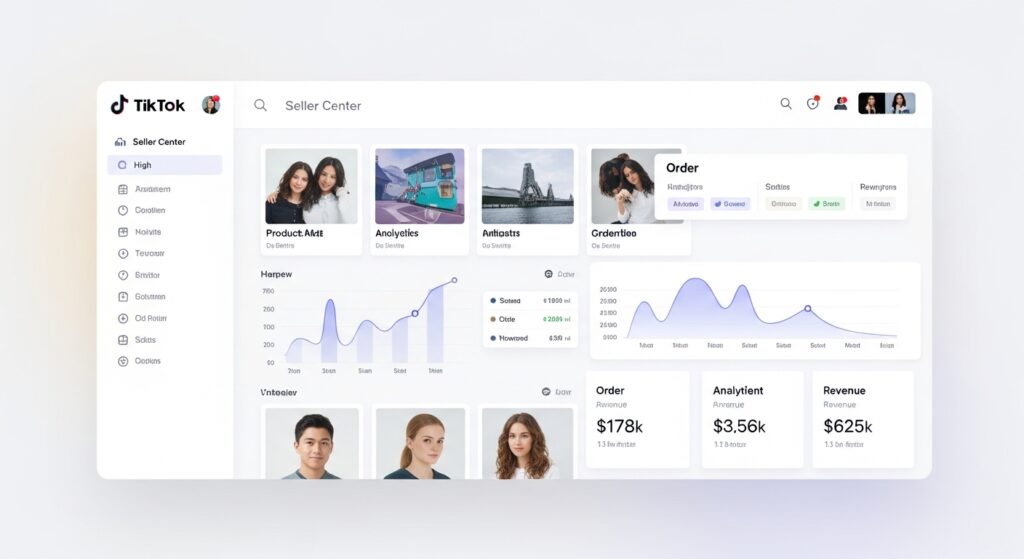
Quick note: your shop rating and your product rating are separate metrics in TikTok Shop Seller Center. A bad product review affects SKU’s score. A negative seller rating (tied to shipping speed, communication, or dispute resolution) affects your overall shop standing and can impact your eligibility for TikTok Shop promotions.
Why Reviews Disappear or Don’t Show Up After Purchase
This is the question TikTok’s Seller University article doesn’t answer. Sellers see confirmed sales, zero new reviews, and no explanation in TikTok Shop Seller Center.
Here are the four most common reasons:
- Order completion delay: TikTok requires the order status to shift to Completed before the review prompt activates. Auto-completion takes 7–15 days post-delivery depending on category. Buyers who don’t manually confirm receipt extend this window further.
- Review moderation hold: TikTok’s content moderation system screens submitted reviews before they go live. Reviews containing external links, flagged language, or suspected spam patterns can be held for 24–72 hours or removed entirely.
- Account eligibility: Buyers with newly created TikTok accounts or accounts flagged for unusual activity may have their reviews suppressed automatically even if the purchase is legitimate.
- Platform technical lag: During high-traffic periods (major sale events, new seller onboarding surges), review display can lag by 12–24 hours. This is temporary and resolves without action needed.
What most guides skip is the moderation hold issue. Sellers often assume a missing review was never submitted, when in reality it was submitted and filtered. There’s currently no seller-facing tool inside Seller Center that shows you reviews pending moderation; you simply don’t see them until they clear, if they clear.
How to Get More Product Reviews on TikTok Shop Without Violating Policy
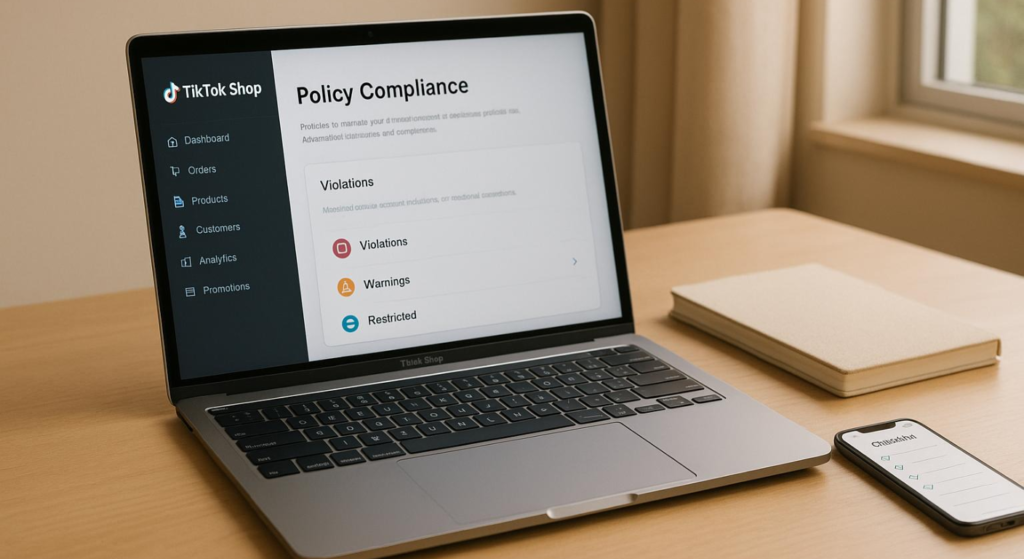
Here’s the thing: TikTok Shop explicitly prohibits incentivized reviews offering discounts, refunds, free products, or any other benefit in exchange for a review. This is a hard policy line, and violations can result in listing suppression or account suspension.
That said, there’s a legal path to higher review volume that most sellers aren’t using effectively.
To increase your TikTok Shop review count without violating policy, follow these steps:
- Enable TikTok’s native review reminder inside Seller Center under Customer Management that sends an in-app prompt to buyers after order completion.
- Use post-purchase packaging inserts that thank buyers and remind them they can share feedback on the TikTok app with no incentive language, no star rating request, just a neutral reminder.
- Set up automated post-purchase messaging through a tool like AfterShip, which integrates with TikTok Shop and lets you send compliant order follow-up messages with a review link at a timed delay (typically 3–5 days post-delivery).
- Respond to existing reviews both positive and negative directly in the Seller Center. Sellers who respond to reviews consistently report that buyer response rates on future orders improve, likely because buyers see active seller engagement as a signal of legitimacy.
- Resolve negative reviews before they calculate: Contact the buyer through TikTok Shop’s messaging system, address the issue, and if the problem is resolved, some buyers will voluntarily update their rating.
Look, if you’re sitting at under 10 reviews and your conversion rate is under 2%, here’s what actually works: fix fulfillment speed first. Shipping delays generate bad reviews at a higher rate than any other single factor. Get your dispatch time under 48 hours before worrying about review volume strategy.
What About Third-Party Tools?
Shoplazza, a TikTok Shop-integrated storefront platform, surfaces review data inside its seller analytics dashboard, giving you a cross-channel view of review velocity alongside order data. This is useful for multi-channel sellers who need to track whether TikTok-generated reviews are keeping pace with reviews on other platforms.
AfterShip specifically offers a TikTok Shop connector that lets you automate post-purchase review request timing, something TikTok’s native Seller Center doesn’t do with any granularity.
Some experts argue that third-party review automation tools carry compliance risk. That’s valid for tools that personalize messages with incentive language or bypass TikTok’s messaging policies. But if you’re using a compliant tool that sends a plain-language “how was your order?” message through approved channels, the risk is minimal and the volume lift is real.
How Product Ratings Affect Your TikTok Shop Visibility
Or maybe I should say it this way: your rating isn’t just a trust signal for buyers it’s an algorithmic input that TikTok uses to rank products inside Shop search results.
TikTok Shop’s search ranking factors aren’t publicly documented in the same detail as Amazon’s A9 algorithm, but based on TikTok’s Seller University materials and observed seller data, product ratings and review count are confirmed ranking signals alongside conversion rate, fulfillment speed, and seller rating.
Products below a 4.0 star average are visibly deprioritized in TikTok Shop search results and may be excluded from TikTok’s curated For You shop placements. This creates a compounding problem: lower ratings → less visibility → fewer sales → fewer review opportunities → ratings stay low.
Quick Comparison
| Option | Best For | Key Benefit | Limitation |
| Native Seller Center review reminder | All sellers, no budget needed | Free, compliant, built into platform | Limited timing control, no customization |
| AfterShip post-purchase automation | Sellers with 20+ orders/month | Timed messaging, multi-channel tracking | Requires paid plan for full TikTok integration |
| Shoplazza analytics dashboard | Multi-platform sellers | Cross-channel review velocity tracking | Best value only if already using Shoplazza storefront |
| Packaging insert reminders | Physical product sellers | Zero platform cost, high buyer visibility | Cannot directly link to review page in print |
| Seller review response strategy | All sellers | Improves buyer trust, signals engagement | Doesn’t directly generate new reviews |
FAQs
Q: What’s the best way to get more reviews on TikTok Shop?
A: Enable TikTok’s native review reminder in Seller Center, use post-purchase packaging inserts, and set up compliant automated follow-up messages through a tool like AfterShip. Never offering incentives violates TikTok Shop policy.
Q: How do I see my product rating in TikTok Shop Seller Center?
A: Log into Seller Center, navigate to Products, select the relevant listing, and scroll to the Reviews section. Your aggregate star rating and individual reviews are displayed there, with options to respond.
Q: Should I respond to negative reviews on TikTok Shop?
A: Yes. Responding professionally shows future buyers you address problems. Contact the buyer privately to resolve the issues ome will voluntarily update their rating if the problem is fixed.
Q: Why does my TikTok Shop review not show up after a customer buys?
A: The review prompt only activates after order completion is registered, which can take 7–15 days post-delivery. Reviews also go through a moderation hold before appearing publicly.
Q: When should I worry about a low TikTok Shop product rating?
A: Once your rating drops below 4.0 stars, TikTok’s algorithm begins deprioritizing your listing in search. Address negative reviews immediately and focus on fulfillment speed to prevent the rating from falling further.