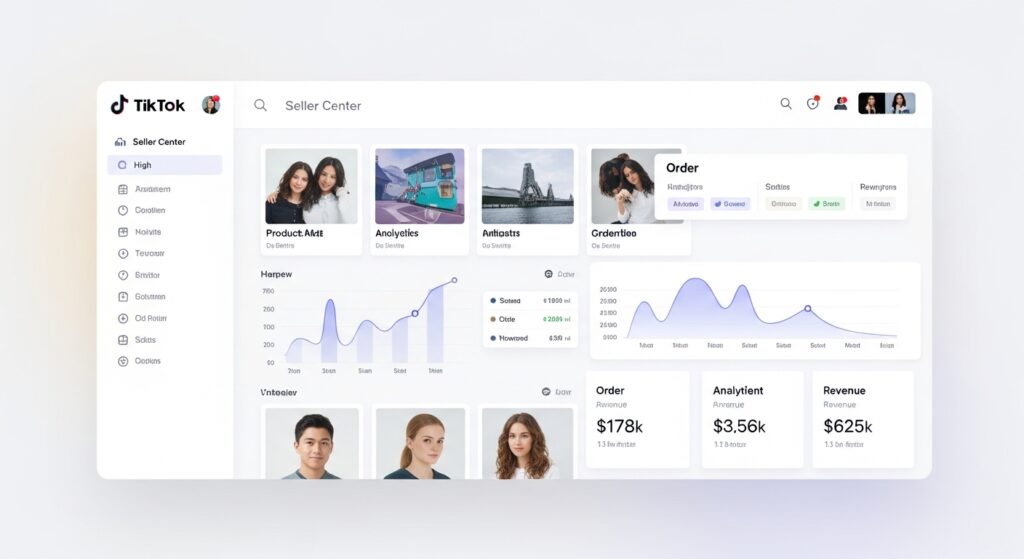
You listed a product. It got removed. TikTok sent you a notice that said almost nothing useful. Now you’re staring at your Seller Center dashboard wondering what you actually did wrong and whether your account is next.
That’s not a rare situation. It’s the most common shock new TikTok Shop sellers experience, usually within the first 90 days of selling.
Here’s the thing: TikTok’s content policy isn’t hidden. But it is scattered across multiple policy documents, enforcement systems, and platform features and almost no one reads it before they get hit.
This guide changes that. You’ll know exactly what the policy covers, which violations happen most often, how LIVE Shopping is evaluated differently from static listings, and critically how to appeal when something goes wrong.
What TikTok Shop’s Content Policy Actually Covers
TikTok Shop’s Content Policy is the set of rules governing what products, listings, promotional content, and seller behavior are permitted on the platform’s commerce features. It applies to product pages, video ads, LIVE Shopping sessions, and affiliate content not just the products themselves.
The policy operates across four distinct layers, and this is where most sellers go wrong: they assume content policy means the product list. It doesn’t.
The four enforcement layers are:
- Product eligibility what you’re allowed to sell
- Listing content how you describe and image it
- Promotional content what your videos and ads claim
- LIVE Shopping behavior what you say and show in real time
Sellers who migrate from Shopify or Ecwid often assume TikTok’s rules work the same way a short banned-items list, and everything else is fine. That assumption is expensive. TikTok’s enforcement reaches into how you talk about your product on camera, what claims appear in your caption, and what’s visible in the background of your LIVE stream.
According to TikTok’s 2023 Community Guidelines Enforcement Report, the platform removed over 91.3 million videos globally in Q1 2023 alone for guideline violations. That number covers all TikTok content but it signals the enforcement infrastructure sellers are operating inside.
The volume is not the point. The speed is. Automated systems flag content within hours, sometimes minutes. Human review comes later, if at all.
The Most Common Violation Categories for TikTok Shop Sellers
Most sellers who get flagged fall into one of five patterns. Knowing these patterns is more useful than memorizing the full policy document.
Prohibited and Restricted Product Categories
TikTok Shop maintains a tiered system: some products are fully prohibited (never allowed), others are restricted (allowed with documentation or category approval).
Fully prohibited categories include:
- Weapons, weapon accessories, and ammunition
- Tobacco, nicotine products, and e-cigarettes
- Prescription drugs and controlled substances
- Counterfeit goods or products infringing intellectual property
- Recalled products or items without required safety certifications
- Adult content products without age-gate compliance
Restricted categories meaning you can sell them, but only after formal approval include health supplements, medical devices, food and beverages, and certain beauty products making therapeutic claims.
Quick note: health supplement is a broader category than most sellers expect. A protein powder. A sleepy gummy. A collagen drink. All of these fall under restricted status and require documentation before your listing goes live legitimately.
Misleading Claims in Listing Copy and Video Content
This is where the policy gets uncomfortable for sellers used to aggressive marketing copy.
TikTok prohibits:
- Exaggerated efficacy claims cures, eliminates, guaranteed results
- Before/after imagery that implies medical outcomes
- Fake urgency tactics using countdown timers that reset
- Price comparisons using inflated original prices
The platform treats your product listing, your promotional video, and your affiliate creator’s video as connected. If a creator you’ve partnered with makes a prohibited claim about your product, the enforcement can reach back to your shop.
Or maybe I should say it this way: you don’t have to be the one making the claim. You just have to be associated with it.
Listing Image Violations
Images have their own ruleset, and it’s stricter than most expect.
Prohibited in product images:
- Text overlays exceeding 20% of the image
- Watermarks from other platforms (Amazon, Etsy, etc.)
- Images showing the product in a prohibited use context
- Misleading size or color representations
- Stock images used without rights
This specific violation repurposing Amazon listing images catches more cross-platform sellers than almost anything else.
Intellectual Property Infringement
Using a brand name in your listing title without authorization. Selling phone cases with unlicensed character artwork. Copying another seller’s product images.
All three are IP violations. All three trigger automated flags. And all three are common among newer sellers who came from marketplaces where enforcement was lighter.
How LIVE Shopping Is Evaluated Differently And Why It Matters
This is the section the TikTok University documentation skips almost entirely.
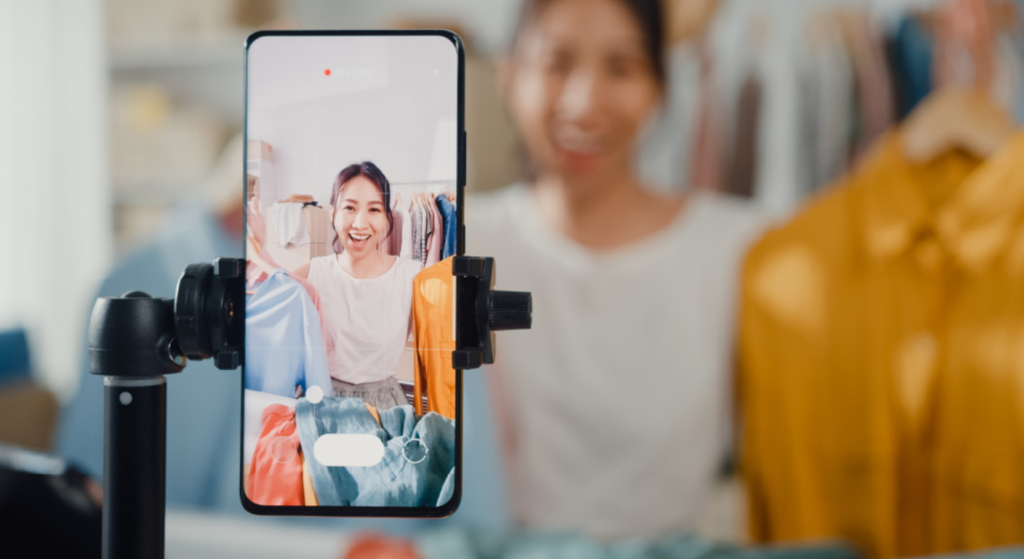
LIVE Shopping sessions are evaluated in real time by a combination of automated content moderation and, for high-violation accounts, human review. The rules that apply are more expansive than static listing rules because what you say on camera becomes part of your content record.
What triggers a LIVE violation:
- Making specific health claims verbally that you couldn’t make in writing this helped my joint pain disappear
- Showing restricted products on camera without required disclosures
- Conducting giveaways or sweepstakes that don’t meet TikTok’s promotion policy structure
- Displaying competitor platform logos or branding
- Violating community standards through language, behavior, or visible background content
Here’s the counter-intuitive part: a LIVE violation can result in an immediate stream termination plus a strike on your account, even if your static listings are fully compliant. Sellers who’ve built clean stores get surprised by this during their first promotional LIVE.
What most guides skip is that repeated LIVE violations carry escalating weight in TikTok’s scoring system faster than equivalent listing violations do. A single listing infraction rarely triggers suspension. Two LIVE violations within a 30-day window can.
Quick Comparison:
| Feature | Static Listings | LIVE Shopping |
| Enforcement timing | Hours to days | Real-time to minutes |
| Claim standard | Written policy only | Written + verbal + visual |
| Violation severity | Listing removal | Stream termination + account strike |
| Appeal process | Seller Center ticket | Seller Center + potential manual review |
| Recovery window | 3–5 business days typical | Immediate impact, slower appeal |
How to Appeal a Content Policy Violation Step by Step
The TikTok University resource covers what you can’t sell. It does not walk you through what happens after you’ve already been flagged. That’s the gap this section closes.
To appeal a content policy violation on TikTok Shop, follow these steps:
- Log into TikTok Shop Seller Center at seller-us.tiktok.com
- Navigate to Account Health in the left sidebar
- Locate the specific violation notice under Violation Records
- Click Appeal next to the relevant violation
- Select the reason for appeal from the dropdown be specific, not general
- Upload supporting documentation (product certifications, lab reports, or proof of IP ownership as relevant)
- Submit and monitor the Account Health dashboard for a response within 3–5 business days
A few things sellers consistently get wrong in this process:
Appealing without documentation. TikTok’s review team needs evidence, not explanations. If your supplement got flagged, upload your COA (Certificate of Analysis) and any relevant FDA registration. If it’s an IP claim, upload your trademark certificate or brand authorization letter.
Appealing too quickly. Submit within 24 hours, but make sure your appeal is complete. An incomplete appeal is denied, and second appeals carry less weight.
Not fixing the listing simultaneously. While an appeal is pending, update or pause the listing. Running a flagged listing during appeal review signals non-compliance and can accelerate an unfavorable decision.
Look, if you’ve already received two violations and you’re reading this before appealing the second one, prioritize the appeal process over listing new products. Every new violation during a review period compounds your account health score damage.
Understanding TikTok’s Account Health Scoring System
Your account isn’t just flagged or not flagged. It’s scored.
TikTok’s Seller Center uses an Account Health metric, a numerical score that reflects your violation history, fulfillment performance, and customer service ratings. Content policy violations directly reduce this score.
The scoring tiers work roughly like this:
- Above 80: Normal selling privileges
- 60–79: Restricted features (reduced LIVE access, limited ad placement)
- Below 60: Risk of temporary suspension
- Below 40: Account suspension review initiated
Some experts argue that focusing on the score number is less useful than focusing on the violation categories since different violation types carry different point deductions. That’s valid for experienced sellers managing multiple accounts. But if you’re dealing with your first or second violation and you don’t know your current score, checking it immediately is step one. Everything else follows from there.
I’ve seen conflicting information across seller forums about exactly how many points each violation type deducts. TikTok doesn’t publish a precise deduction table. My read is that IP violations and prohibited product violations carry heavier deductions than listing image issues based on pattern reports from sellers in the TikTok Shop community but treat that as directional, not authoritative.
What to Do Right Now If You Have an Active Violation
Five actions. In order.
Step 1: Open Seller Center and check your Account Health score. Know where you stand before doing anything else.
Step 2: Read the violation notice word for word. The category name TikTok uses (e.g., Misleading Claims vs. Prohibited Products) tells you which policy document to reference.
Step 3: Pause the flagged listing. Don’t delete it, deletion can complicate the appeal. Pause it.
Step 4: Gather your documentation. Product certs, brand authorization letters, lab reports, whatever is relevant to your violation type.
Step 5: Submit a complete, documented appeal through the Account Health section of Seller Center.
That’s the sequence. Don’t skip step one by jumping straight to the appeal. Sellers who don’t know their score going in often don’t understand the urgency level they’re actually dealing with.
FAQs
Q: What is TikTok Shop’s content policy?
A: TikTok Shop’s content policy sets rules for what products, listing content, promotional videos, and LIVE Shopping behavior are permitted. It covers prohibited products, misleading claims, image standards, and intellectual property across all seller-facing features, not just product listings.
Q: How do I appeal a TikTok Shop content policy violation?
A: Log into TikTok Shop Seller Center, go to Account Health, find your violation record, click Appeal, select a specific reason, upload supporting documents, and submit. Most appeals receive a response within 3–5 business days.
Q: What products are banned on TikTok Shop?
A: Fully banned products include weapons, tobacco, prescription drugs, counterfeit goods, and recalled items. Restricted products like supplements and medical devices are allowed only after category approval and documentation submission through Seller Center.
Q: Why was my TikTok Shop listing removed?
A: Listings are most commonly removed for prohibited product categories, misleading health or efficacy claims, IP infringement, or non-compliant listing images. Check your Account Health violation record in the Seller Center for the specific category assigned to your removal.
Q: Does TikTok LIVE have different content rules than product listings?
A: Yes. LIVE Shopping sessions are moderated in real time and evaluate verbal claims, on-camera behavior, and visual content not just written listing copy. A claim you can’t make in a product description is also prohibited on LIVE, and enforcement is faster.
This guide covers TikTok Shop content policy enforcement for US-based sellers operating through TikTok Shop Seller Center as of June 2025. Policy terms update regularly verify current prohibited category lists and appeal procedures directly in Seller Center before taking action.